

Step-by-Step Booking Guide

1. Choose check-in and check-out dates
1. Choose check-in and check-out dates
1. Choose check-in and check-out dates
Select your check-in and check-out dates to see available rooms, rates, and start planning your stay with us.
Click on "Check Availability"

2. Select Number of Guests
1. Choose check-in and check-out dates
1. Choose check-in and check-out dates
Choose the number of adults & children (if any). Room availability and pricing will update automatically.

3. Add Additional Room (if necessary)
1. Choose check-in and check-out dates
Need more space?
If your group has more guests than one room can accommodate, you can add an additional room:
- Select the number of adults and children for your first room.
- Click “Add another room” to select guests for the extra room.
- Repeat as needed — each room’s availability and rates will update automatically.

4. Choose Your Room & Additional Rooms
4. Choose Your Room & Additional Rooms
Our rooms:
Single Room (1 person) - Single Bed
Double (2 Person) - Queen Bed
Twin (2 Person) - 2 x Single Beds
Triple Room (3 Person) - 1 x Queen Bed + 1 x Single Bed
Family Room (4 Person) - 1 x Queen Bed + 2 x Single Beds
Click on "Select" button

5. Finished Choosing Room
4. Choose Your Room & Additional Rooms
5. Finished Choosing Room
Once finish choosing rooms
Click "Book"

6. Add any Extras
4. Choose Your Room & Additional Rooms
5. Finished Choosing Room
If you would like to add air mattress it is only suitable for Double Room and are for ages 5 years and above.
Answer "Yes" and Click "Select"
or
Simply Click "Skip Extras"

7. Enter Your Details & Additional Guests
Enter your name and contact details, your arrival time, any special requests and read and tick our terms and conditions.
Click "Confirm Booking"
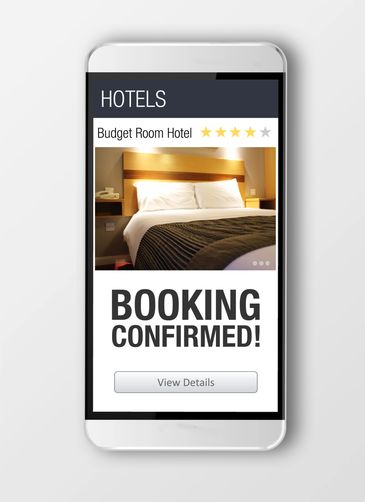
8. Check Your Email For Confirmed Booking From Us
Check your email for your confirmation booking from us - Australian Hotel Hungduan. You pay on your arrival.
9. Cancel Booking
9. Cancel Booking
Please contact us regarding cancelling bookings or to make any changes to the booking. You can contact us by email info@australianhotelhungduan.com
or
Facebook messenger https://www.facebook.com/people/Australian-Hotel-Hungduan/61556318354885/

Subscribe for the Latest News & Exclusive Offers!
Stay updated with our newest updates, special promotions, and more—straight to your inbox!